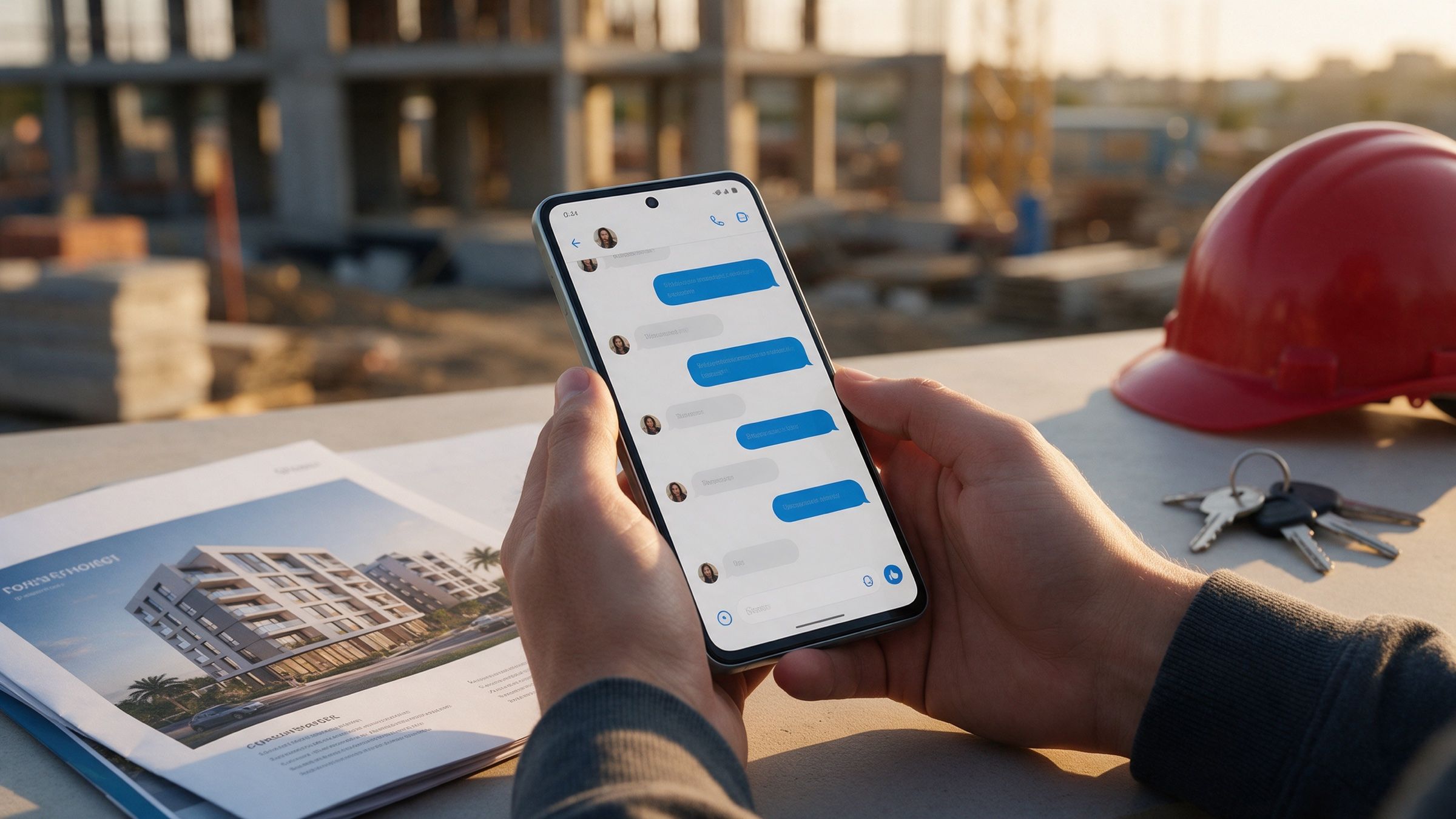
Your clients already talk to you on WhatsApp. They send the site-visit question at 9 p.m., the “is this still available?” on a Sunday, the “what’s the final price with GST?” while they compare you with two other firms. The first ten messages of that conversation decide a surprising share of the deal.
That is why WhatsApp automation for business in India is worth doing properly, and why a bot that replies “Hi! How can I help you today?” is not it. A chatbot answers. A workflow moves a lead from enquiry to a booked visit, a quote to a decision, an invoice to a payment, and it hands over to a person at the moments that matter.
Here is what the platform allows today, four workflows that earn their keep, and where the humans stay.
The rules of the platform, in plain English
Before any design, know what Meta lets you do. These are taken from Meta’s own documentation, and they change, so check them again before you build.
The 24-hour window. Meta’s documentation says: “When a WhatsApp user messages you or calls you, a 24-hour timer called a customer service window starts.” Inside it you can send free-form replies. Outside it, “template messages are the only type of message that can be sent to WhatsApp users outside of a customer service window”, and a template must be approved before you can use it.
Opt-in. The WhatsApp Business Messaging Policy says you may only contact people if they have given you their number and you have received opt-in permission confirming they want to hear from you. Opt-in must also be collected in a way that complies with applicable law. In practice: a tick box on your enquiry form, a “message us on WhatsApp” button, or a clear yes in the chat itself.
Pricing. Since 1 July 2025, Meta charges per delivered template message rather than per 24-hour conversation. Marketing templates are always charged. Utility and authentication templates are charged outside the service window, and utility templates sent inside an open window are free. Service messages are free, and so are all message types for 72 hours when someone reaches you through a Click-to-WhatsApp ad. From 1 January 2026, eligible Indian businesses can also be billed in rupees. We are not quoting per-message rates here because they are revised, so read the current rate card for India before you budget.
The design consequence is simple. Get the person to message you first, answer inside the window, keep promotional templates for people who have opted in, and treat every template as something you pay for and a client may block.
Workflow 1: enquiry, qualify, book the visit or demo
This is the one that most often changes revenue, especially for real estate, education, clinics, interiors and B2B services.
- A Click-to-WhatsApp ad or website button opens a chat. The reply comes within seconds, not after the sales team finishes lunch.
- Three or four questions, asked one at a time and in the client’s language: what they need, budget range, timeline, location. Buttons and short lists work better than free text on a mid-range Android phone on patchy 4G.
- The answers go into your CRM, and the system offers three slots for a site visit or demo.
- A confirmation goes out, then a reminder the evening before and one on the morning of the visit.
The automation does the speed and the admin. It does not do the judgement.
Human in the loop: the moment a lead gives a high-intent signal (a large budget, a firm date, a competitor named, or any sign of frustration) the conversation moves to a named salesperson, who sees the full chat. The script decides when to hand over; a person decides what to say next.
Designing those first ten messages is craft work, not text generation. Which question comes first, how formal the tone is for a Pune developer’s client versus a Hyderabad SaaS prospect, when to switch to Hindi or Kannada: these are decisions a senior person makes and tests, then lets the system repeat.
Workflow 2: the quote that doesn’t get forgotten
Most quotes are lost to silence, not to a competitor. Someone sends a PDF, the client says “will check”, and nobody follows up because nobody wants to seem pushy.
A good follow-up flow is gentle and specific:
- Day 1: confirm the quote was received and offer to walk through it on a call.
- Day 3: send one useful thing, such as a relevant case or an answer to the question prospects usually ask at this stage.
- Day 7: ask plainly whether the timing has changed.
Every message after the first is likely to fall outside the 24-hour window, so these are approved templates, and they should be few and respectful. Stop the sequence the moment the client replies; a reply restarts the window and a person takes over.
The numbers in the quote itself, the discounts and the commercial terms are never the automation’s call. If a client replies “can you do it for 10% less?”, that is a person’s decision, with the margin in front of them.
Workflow 3: payment reminders with a UPI link
Chasing invoices is uncomfortable, and that is exactly why it gets delayed. A reminder flow can be firm without being awkward:
- A utility template a few days before the due date, with the invoice number, amount and a UPI payment link.
- A second on the due date.
- A third after it, in a more direct tone.
When a payment lands, matching it to the invoice in Tally or Zoho Books is a job an agent can prepare, with someone from finance confirming it. If the client says “payment released, will reflect tomorrow”, the flow pauses.
Human in the loop: a person decides who gets a reminder at all. A long-standing partner who is two days late on a disputed invoice should hear from you, not from a template. The agent drafts the list; finance approves it before anything is sent.
Keep GST details out of free-form chat unless you have checked them against the invoice. A wrong GSTIN or tax amount in a message is still a wrong figure you sent a client.
Workflow 4: post-sale onboarding
The sale is not the finish. The weeks after it are where clients decide whether they made a good choice, and where support calls pile up.
A simple onboarding flow can send a welcome with the key contact, a checklist of documents or access you need, a short “what happens next” message, and a check-in a week later asking how it is going. For a product business, it can cover delivery updates, set-up guidance and a request for feedback.
The useful part is the check-in. A “how is it going?” that gets a lukewarm answer should reach a human the same day, not appear in a report next month.
WhatsApp automation for business in India: where chatbots fall short
Most disappointing WhatsApp projects share a pattern: one bot, one script, no handover, no connection to the systems the team uses. The result is a bot that answers the FAQ and then goes quiet when the conversation becomes a real one.
Better is a small set of workflows, each with:
- a clear goal (a booked visit, a paid invoice, a reply to the quote);
- a connection to your CRM, calendar and accounts tool, so the chat is not a silo;
- an owner on your team who receives the handover;
- a rule for what the system must never do alone, such as quote a price, promise a delivery date or answer a complaint.
For a simple FAQ, an off-the-shelf WhatsApp chatbot may well be enough. A custom build starts to make sense when the chat has to work with your own systems, rules and approvals.
A word on DPDP and consent
A phone number and a chat history are personal data. India’s Digital Personal Data Protection Rules were notified on 14 November 2025, with an eighteen-month phased timeline. According to the Press Information Bureau, the Rules require a separate consent notice that is clear and explains the specific purpose for which data is collected and used. Consent can be withdrawn at any time.
So build it in from the first message: say who you are, what you will message about and how to stop. Record when and how consent was given, and make “STOP” work. This is general information, not legal advice; ask your lawyer to review the consent wording.
How we approach it
We design these flows the way we design any client-facing work. A senior person writes and tests the scripts and tone, AI does the heavy lifting on drafting variations, routing and data entry, and every workflow has a named human who takes over when it matters. We start with one workflow, read the real conversations for a few weeks and widen it only when the data supports it.
Where to start
Do not start with a platform. Start by listing what happens to a lead in your business between “hi” and “paid”: who replies, how fast, what is typed again by hand, and where leads go quiet. The step with the most repetition and the lowest risk if it goes wrong is your first workflow, usually the enquiry reply or the quote follow-up. The step that needs judgement or empathy stays with a person.
If you want a structured way to sort that list, the free tasks-to-automate worksheet below takes about ten minutes.
Questions people ask
Do I need the WhatsApp Business Platform for automation, or is the WhatsApp Business app enough?
The Business app is fine for a team that replies by hand. Once you want automated flows, CRM or Tally/Zoho connections, several agents on one number or approved templates sent at scale, you need the WhatsApp Business Platform, usually through a Business Solution Provider.
Can I message a lead on WhatsApp whenever I like?
No. You need the person's opt-in. After they message you, you have a 24-hour customer service window for free-form replies; outside it, only pre-approved template messages are allowed.
Does the DPDP Act apply to WhatsApp automation?
Yes, if you process the personal data of people in India, and a phone number and chat history are personal data. The Rules require clear notice and consent for a stated purpose, and phase in over eighteen months from November 2025, so build consent and deletion into the flow now.